Pieum - Seed v0.1
A downloadable tool for Windows
P✦ieum - Seed v0.1
Bloom Your World.
You worked all day, but it feels like you did nothing.
P✦ieum turns your focus into blooming flowers.
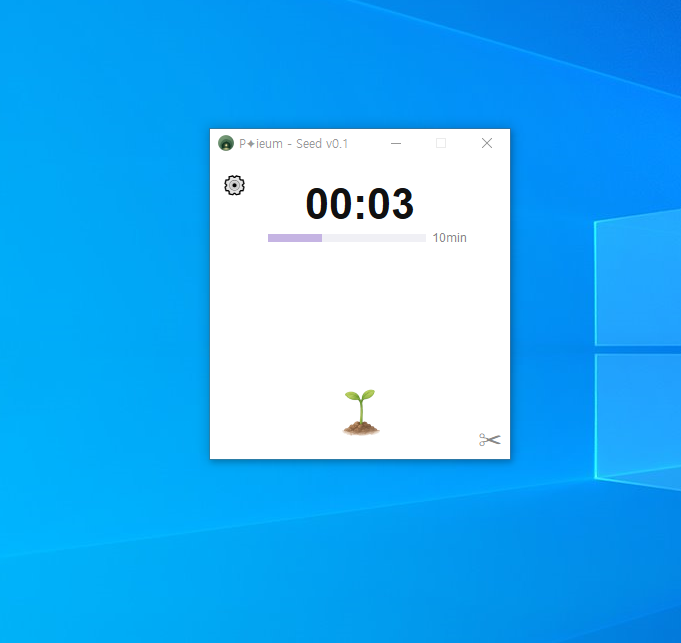
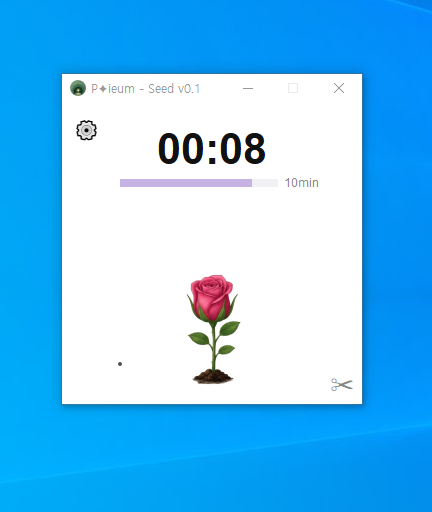
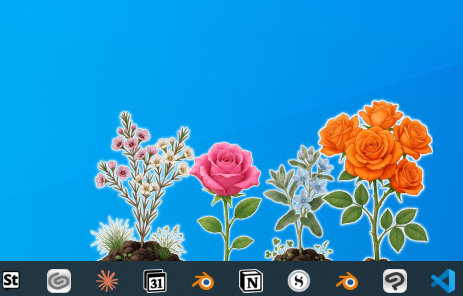
Instead of simply counting time, your focus helps a small garden grow. Seeds sprout, flowers bloom, and your desktop gradually becomes a living garden as you stay focused.
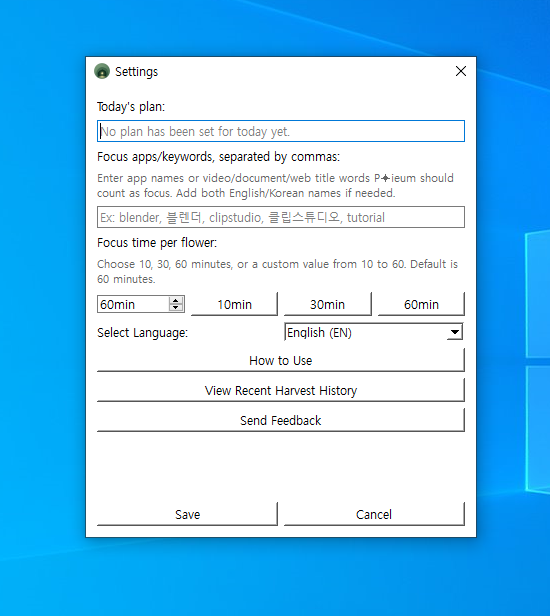
Unlike traditional productivity tools, P✦ieum allows users to define their own focus apps and keywords. Working in Photoshop, Blender, coding tools, documents, tutorials, or research pages can all contribute to your garden's growth.
Losing focus may attract small pests to your garden, while consistent focus helps your plants flourish.
🌼 Features
- Desktop focus timer
- Customizable focus apps and keywords
- A garden that visually evolves as flowers grow
- Distraction tracking (pest events)
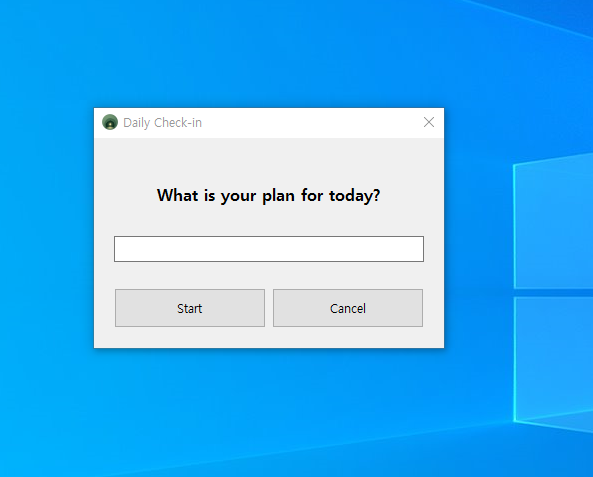
- Daily planning and harvest review
- Lightweight desktop widget
📝 Notes
This is an early prototype (Seed v0.1) version and may contain bugs.
Features, aesthetics, and balance are subject to change in future updates. Feedback is always welcome!
Download
Install instructions
⚠️ Notice
- Windows Defender scan completed
- No malware or sensitive personal data collection features
- Windows SmartScreen warnings may appear in some environments.
- This is a common warning caused by the nature of PyInstaller-based executables.
🚀 How to Install & Run
1. Extract the downloaded 'Pieum_Seed_v0.1_Release.zip' file.
2. Run 'Pieum_Seed_v0.1_Setup.exe' from the extracted folder.
3. Follow the installation instructions.
4. Launch P✦ieum and start growing your garden!
* Supports Windows 10 and Windows 11.
🔒 Privacy & Security Policy Details
P✦ieum only checks the 'currently active window (program)' to determine your focus state.
We DO NOT collect: Keyboard inputs, passwords, chat logs, document contents, clipboard data, or personal files.
P✦ieum only checks *which* program/window title is active. We do not store or transmit screen contents, typed text, clipboard data, or personal files.
Daily harvest history is saved locally on your PC. For prototype validation, P✦ieum may send anonymous summary statistics through Google Forms, such as date, focus time, distraction time, pest count, flower count, and grade. This summary does not include screen contents, typed text, file contents, or your daily plan text.
❓ Why do we check window information?
P✦ieum checks the name of the active program to see if you are focusing.
(e.g., Blender/VS Code → Focusing 🟢 / YouTube/Games → Resting 🔴) We only read the program name, NEVER your screen content or inputs.
Leave a comment
Log in with itch.io to leave a comment.